 OwnTube
A YouTube client that runs on your own server.
OwnTube is a web app, a TV app and an iPhone app backed by a server you host. It talks to YouTube through its own gateway, keeps your subscriptions, history and recommendations in a local database, and needs no Google account.
Features
Everything below works on a single self-hosted server. Nothing is sent to Google except the requests needed to fetch videos.
Self-contained
The OwnTube gateway reads YouTube directly and streams video to your players. No Invidious, Piped or other third-party frontend to run or depend on.
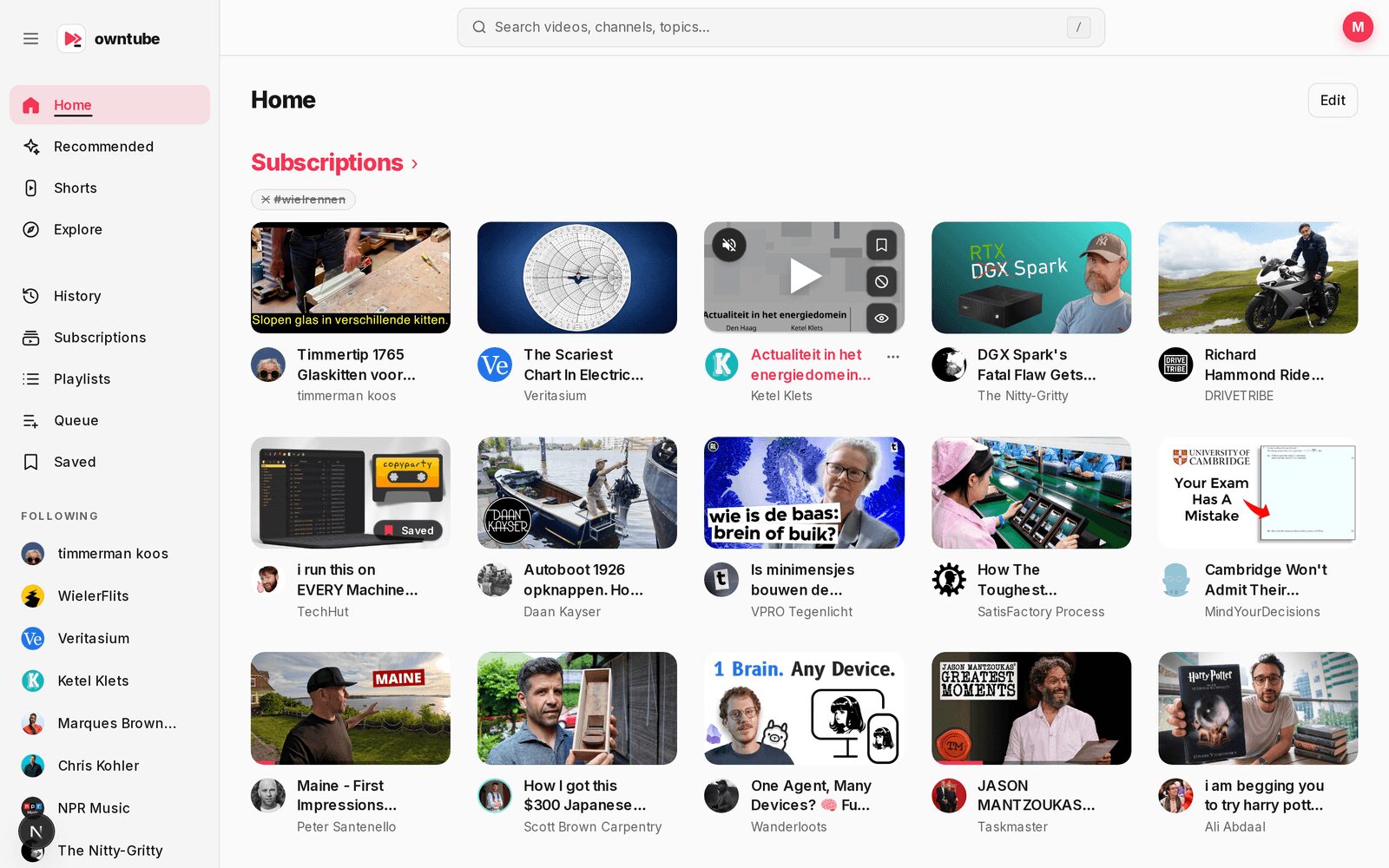
Modular home page
Build the home page from blocks: subscriptions, recommended, explore, history, queue, saved and playlists. Each block has its own layout, size, colour and tag filter.
Local recommendations
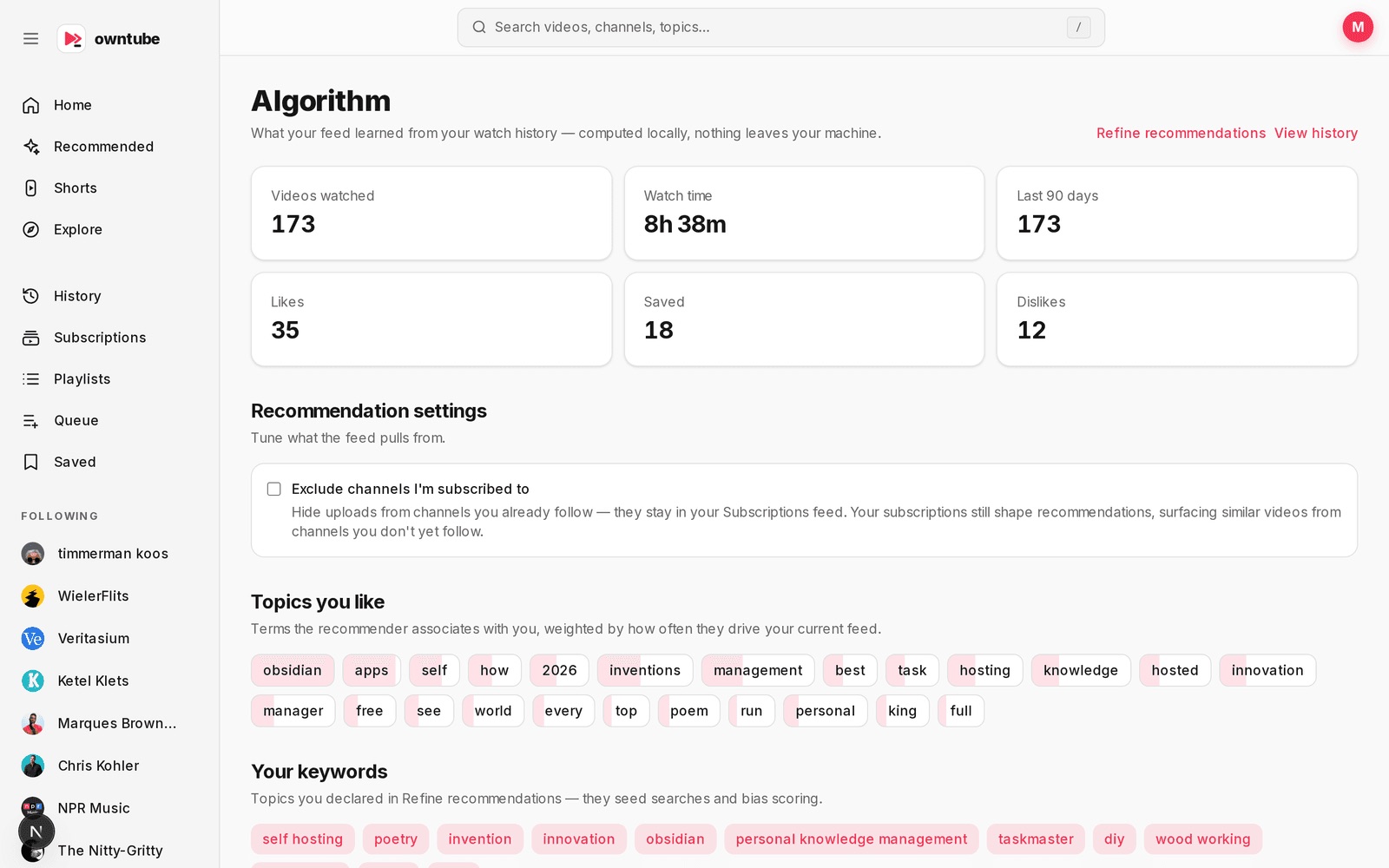
A content-based recommender runs on your own watch history. The Algorithm page shows what it learned, lets you add or remove keywords, and can keep subscribed channels out of the feed.
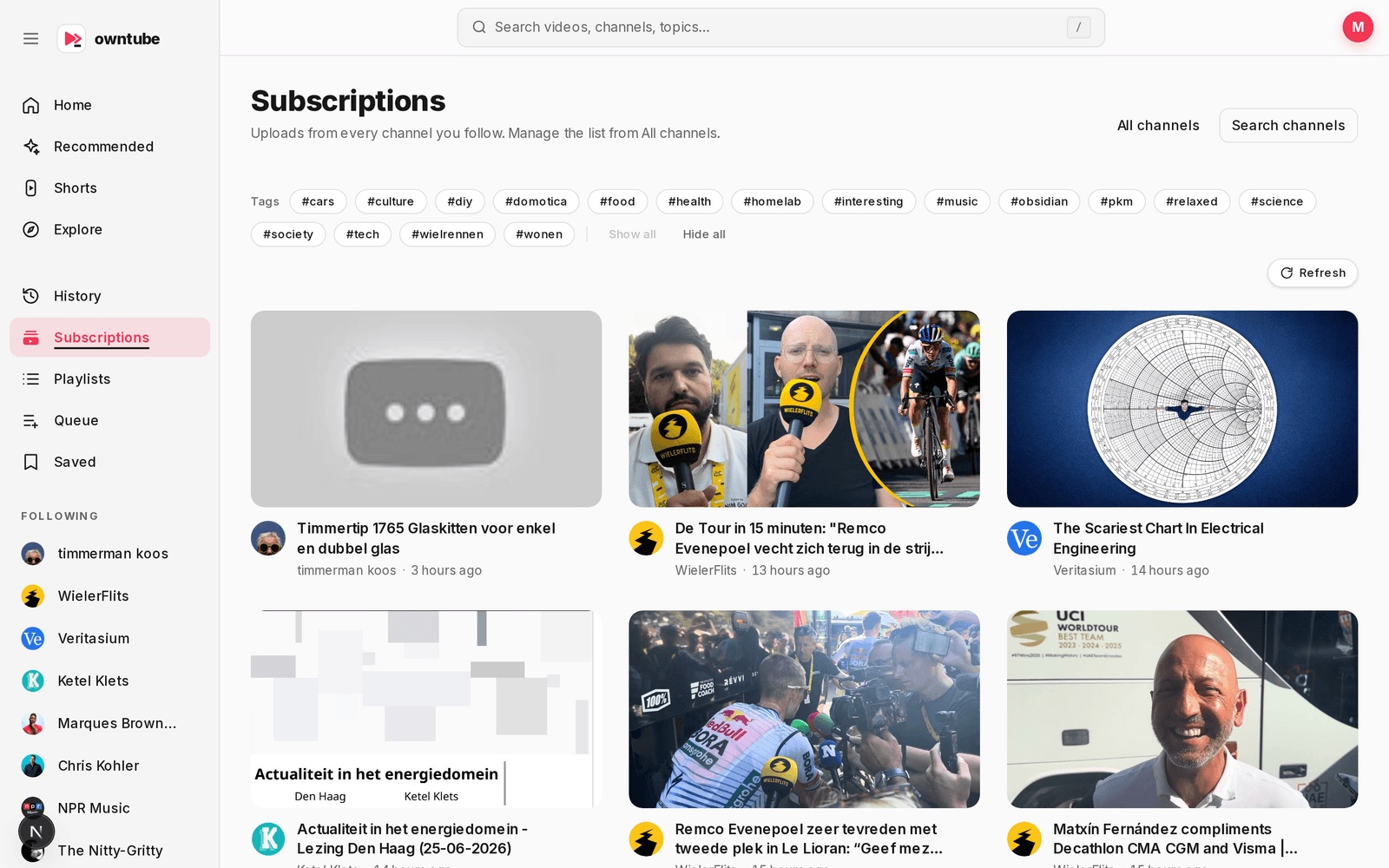
Subscriptions with tags
Tag channels and filter by tag. View everything as one feed, a row per tag, or channel by channel. Hide what you have already watched.
Fast new uploads
Subscriptions are polled in the background. With the optional public feeds server, new uploads arrive through WebSub push, usually within a minute of publishing.
Queue, playlists, saved
A watch queue, local playlists and saved videos, shared between web, TV and iPhone. Like, dislike, mark watched, not interested, don't recommend this channel.
SponsorBlock
Skip sponsor segments, intros and self-promotion automatically or on request, per category. Segments are marked on the seek bar, with undo.
Podcast feeds
Playlists, the queue, saved videos, subscriptions, single channels and channel tags are published as audio and video podcast RSS with chapters, at a secret address per user, through a small public feeds server.
Multiple users
Separate accounts with their own history, subscriptions and recommendations. JSON export and import, and YouTube Takeout history import.
The player
- Quality up to 4K where the video has it, with AV1, VP9 and H.264.
- Audio language selection on dubbed videos, and a volume limiter for loud videos.
- Captions in the player, Picture-in-Picture and native fullscreen, with a default language per account.
- Chapters, playback speed, and keyboard shortcuts.
- AirPlay and Chromecast through the browser's Remote Playback support.
- Live streams with DVR: rewind a live broadcast or go back to the live edge.
- Play on TV sends the current video to a paired Android TV running OwnTube.
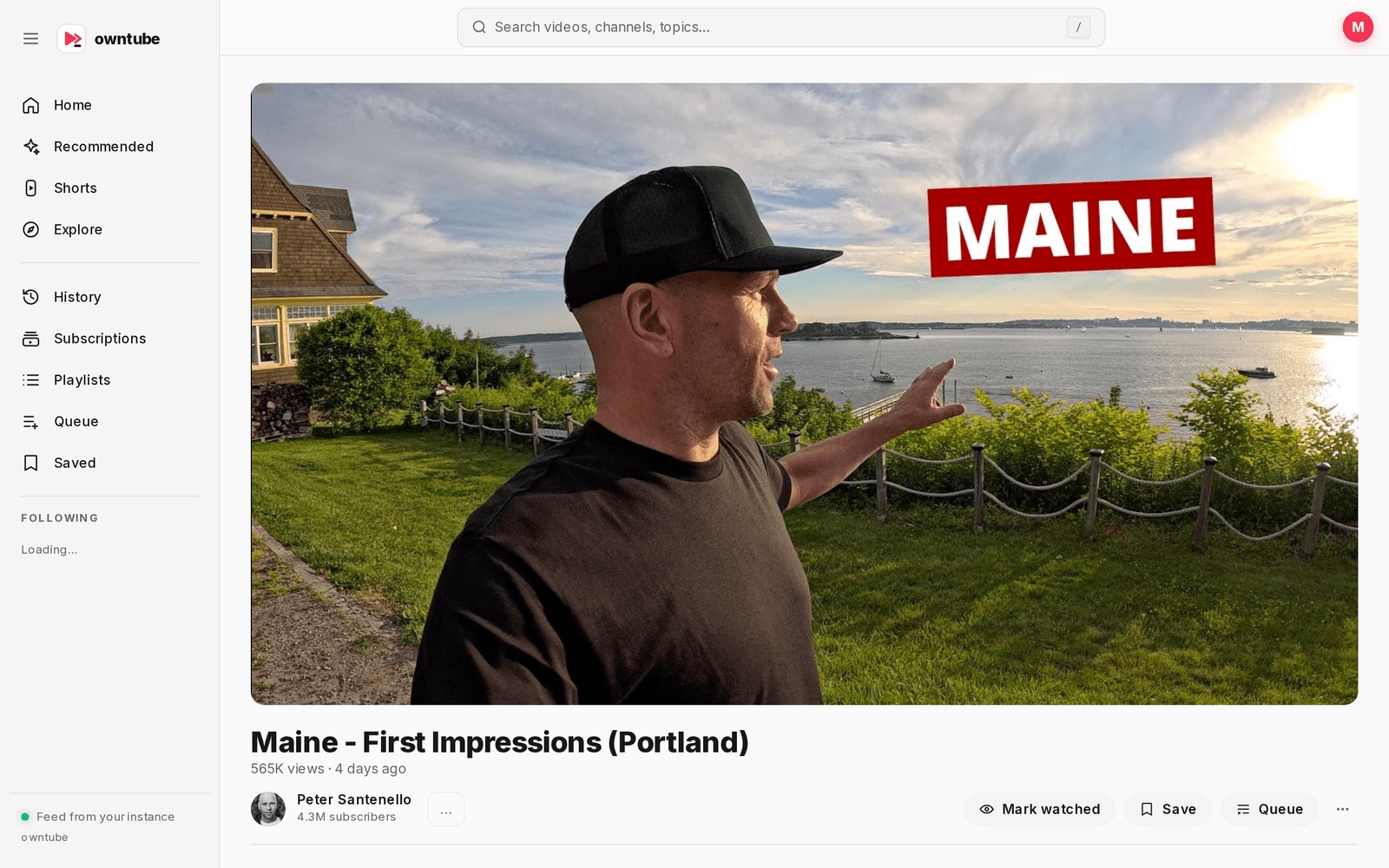
Recommendations you can inspect
- Built from the titles, tags and channels of what you watch, like and save. No collaborative filtering and no outside service.
- Diversified so a single channel or topic does not take over the feed.
- The Algorithm page lists the keywords and channels with the most weight, and lets you change them.
- New accounts start from trending and related videos until there is enough history.
Subscriptions
- Subscribe from any channel page; export the list as OPML.
- Tri-state tag filters: include a tag, exclude it, or ignore it.
- Channel pages with videos, shorts, playlists and similar channels.
Apps
Every client connects to the same server, so history, the queue, playlists and settings follow you between devices.
Web any browser
The full app in any modern browser, installable as a PWA. Works on desktop, tablet and phone.
Apple TV, Android TV & Fire TV
A remote-friendly app with profiles, the home rows from the web, search, shorts and a full-screen player. Sign in by scanning a pairing code. Unfinished videos show up in Android TV's Continue watching row; Apple TV gets a Top Shelf.
iPhone & iPad
A native shell with iOS tabs and navigation around the web app. Plays in the background and in Picture-in-Picture, has a mini player, a Continue watching widget and home-screen quick actions.
Integrations
Scoped API tokens for other services, webhooks and local hook scripts on every watch event, and a TV releases endpoint for over-the-air TV updates.
Run it
OwnTube is two containers: the web app and the gateway. Docker Compose starts both.
git clone https://github.com/mdbraber/owntube.git
cd owntube
printf 'AUTH_SECRET=%s\nGATEWAY_SIGNING_KEY=%s\n' \
  "$(openssl rand -base64 48)" "$(openssl rand -base64 48)" > .env
docker compose up -d --build
Then open http://localhost:3000 and create an account. The installation guide covers reverse proxies, configuration, backups and updates.